288 live conversion pairs
Any file in. The right file out.
Convyx is a file conversion platform for one-off conversions, batch jobs, and a REST API. Uploads use TLS. Results delete on the schedule you choose.
Image conversions up to 15 MB need no account. Heavier formats use the signed-in queue.
Convert to WebP
Drop a file
or browse — converts to WebP · 15 MB without an account
- TLS-encrypted uploads
- Auto-deleted on your schedule
- GDPR-aligned by design
- Never used for training data
Find a converter
Pick a source and a target. Open the dedicated page for that pair.
Popular right now
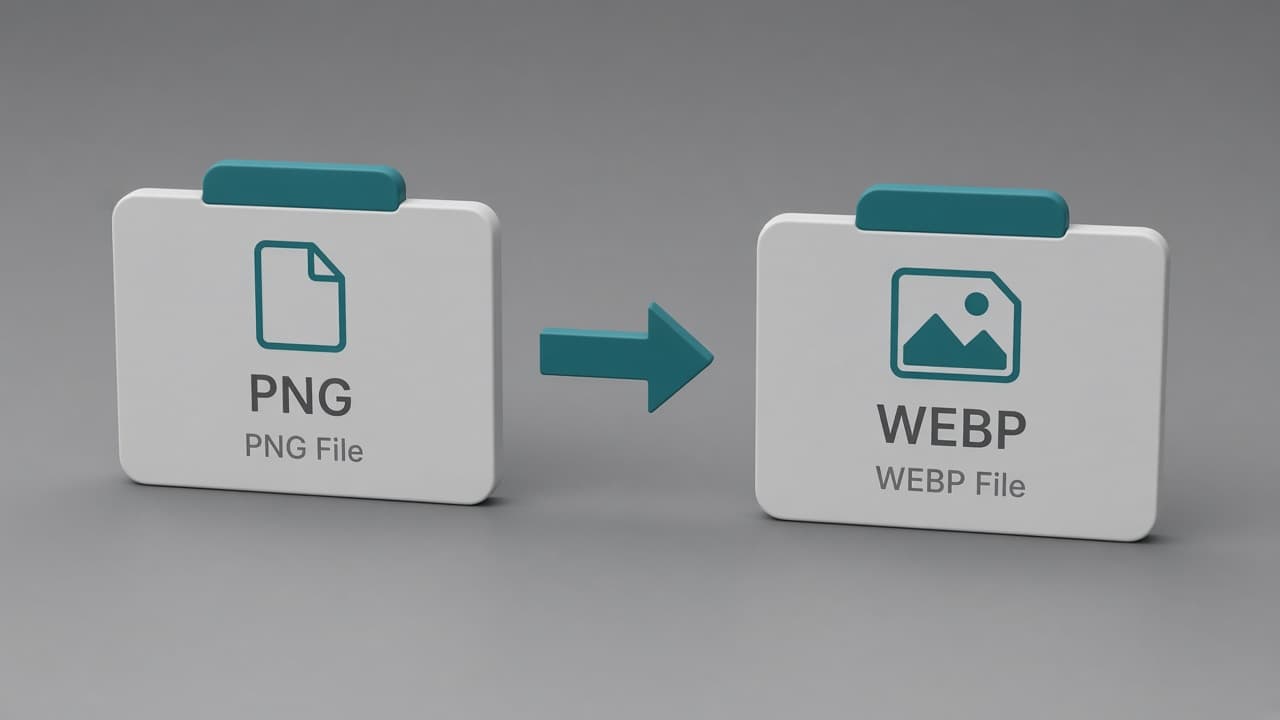
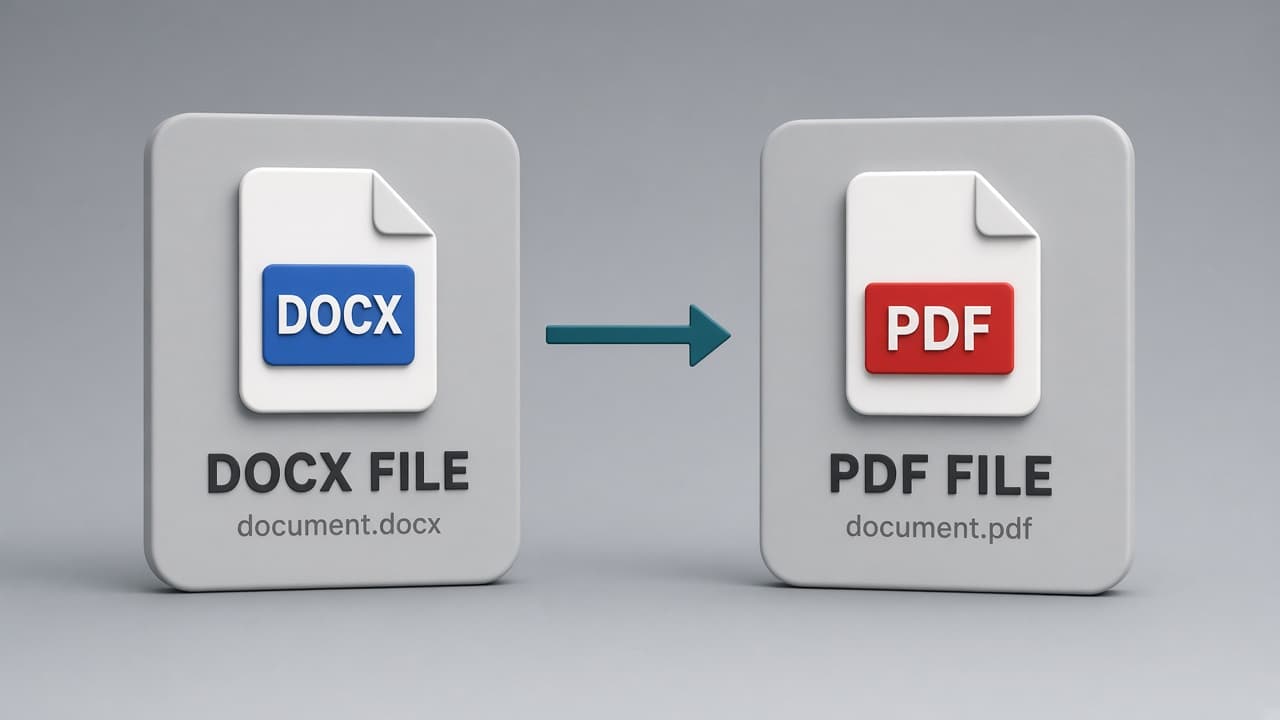
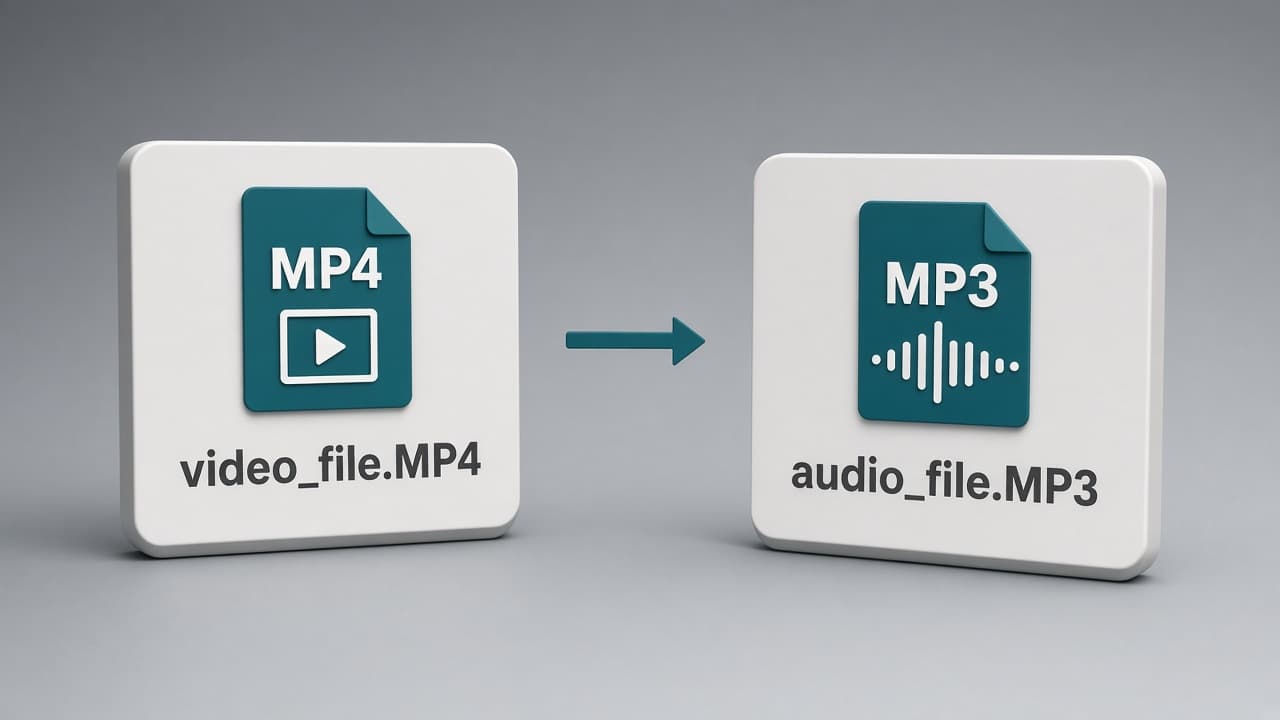
How it works
Upload or drop in
Try a bounded image conversion on the homepage, or sign in for larger files and heavier formats. Dashboard and API uploads use a short-lived URL scoped to your account and job.
We queue and convert
The job lands in the matching engine queue — image, document, spreadsheet, audio, video, or archive — with per-engine capacity so a long encode does not block a thumbnail.
Download, then it expires
Download through a signed link. Source and result objects delete on the retention window selected at upload. Business jobs can notify a webhook instead of polling.
One product, four ways in
Individuals convert a file. Teams run batches. Developers call the API. Enterprises keep limits, retention, and access explicit.
01
Convert a file in seconds
Drop an image on the homepage. Pick an output. Download. No account for supported live image conversions.
02
Process files in batches
Signed-in workspaces accept multiple files, shared targets, per-file progress, retries, and ZIP download.
03
Build conversion into your product
Business and Enterprise expose sync convert, async jobs, scoped keys, and signed webhooks on the same engines.
04
Control retention and access
Choose delete-immediately through 7 days, subject to plan. Signed downloads expire. Jobs stay isolated per account.
Seven families. Dedicated pages.
303 conversion pairs in the registry — each with its own page, including queued engines that are not live yet.
Popular converters
Convert more than one file at a time
Drop a set of files, pick a shared target where it applies, watch each job, retry failures, and download a ZIP. The same queue powers the dashboard and the API.
Open the workspaceBuild file conversion into your product
Sync convert for bounded work. Async jobs for media, office, and archives. Job status, signed webhooks, and the same registry the website uses. REST access is on Business and Enterprise.
POST /api/v1/convert
curl -X POST https://convyx.io/api/v1/convert \
  -H "Authorization: Bearer cvx_live_…" \
  -F [email protected] \
  -F sourceFormat=png \
  -F targetFormat=webp

{
  "jobId": "35562e3e-4268-49c5-8534-a702b16c0b5f",
  "status": "completed",
  "sourceFormat": "png",
  "targetFormat": "webp",
  "downloadUrl": "https://storage.convyx.io/…",
  "expiresAt": "2026-08-02T17:17:50.316Z"
}
Your files don't live here forever
TLS in transit, isolated jobs, signed downloads, and a retention window you pick. GDPR-aligned. SOC 2 is planned, not claimed.
Read the full security model →- Encryption
- HTTPS/TLS in transit
- Retention
- Immediate to 7 days, your choice
- Compliance
- GDPR-aligned SOC 2 planned
Encrypted in transit
Browser uploads and downloads use HTTPS/TLS.
Automatic deletion
Every file has an expiry — immediate, 1 hour, 24 hours (the default), or 7 days. Nothing is kept past it.
Isolated per-job storage
Each conversion gets its own storage key. Files are never indexed, searched, or shared across accounts.
Signed, expiring download links
Download URLs are single-purpose and time-boxed — no permanent public links to your files.
Team audit trail
Business and Enterprise team workspaces log membership changes and privileged actions such as API key management and file deletion.
GDPR-aligned, SOC 2 planned
Data processing agreements available on request. A SOC 2 Type II audit is on the roadmap — we will publish status when an engagement is underway.
Simple plans. Honest limits.
Free for quick conversions. Pro when the queue and file size matter.
Free
$0/mo
- 50 conversions / month
- 25 MB max file size
- Every format — images, documents, sheets, audio & video
- Small watermark on converted files
Pro
$9/mo
- No watermarks on output files
- 2,000 conversions / month
- 500 MB max file size (per-format engine limits apply)
- 3 conversions at once
Business
$39/mo
- 10,000 conversions / month
- 512 MB max file size (per-format engine limits apply)
- REST API + webhooks
- Team workspaces with roles & audit log
Enterprise
Talk to us
- Unlimited conversions
- 512 MB max file size (per-format engine limits apply)
- 20 concurrent conversion slots
- REST API + webhooks
FAQ
Do you keep my files after conversion?
Files are deleted automatically based on the retention window you choose. Free plans can keep results for 1h or 24h; paid plans add shorter and longer options including delete-immediately.
How is this different from a browser-only converter?
Browser-only tools are useful for small images, but office documents, media re-encoding and larger archives need heavier codecs and renderers. Convyx runs those jobs in bounded server-side engine queues over TLS and applies the retention window selected for the job. Convyx does not claim OCR support.
What's the maximum file size?
25 MB on Free, 500 MB on Pro, and 512 MB on Business and Enterprise. Each conversion engine also has its own ceiling: images and documents up to 200 MB, PDFs and spreadsheets 100 MB, audio, video and archives 512 MB. The homepage demo is capped at 15 MB since it runs unauthenticated.
Is there an API?
Yes — a REST API with webhooks on Business and Enterprise plans, plus SDKs for JavaScript and Python. See /docs/api.
Can my whole team share one workspace?
Yes — Business and Enterprise plans can create workspaces with Owner, Admin, Member, and Viewer roles. Permissions for jobs, API keys, billing, members, webhooks, and audit logs are enforced on the server.
What happens if a conversion fails?
You get a clear error message and the job is marked failed in your history — we never silently drop a file. Retry is one click. Monthly quotas count conversion attempts (including failures), because the worker still spends resources the moment a job starts.
Convert your first file
No account required for supported live image conversions. Heavier formats use the signed-in workspace.